
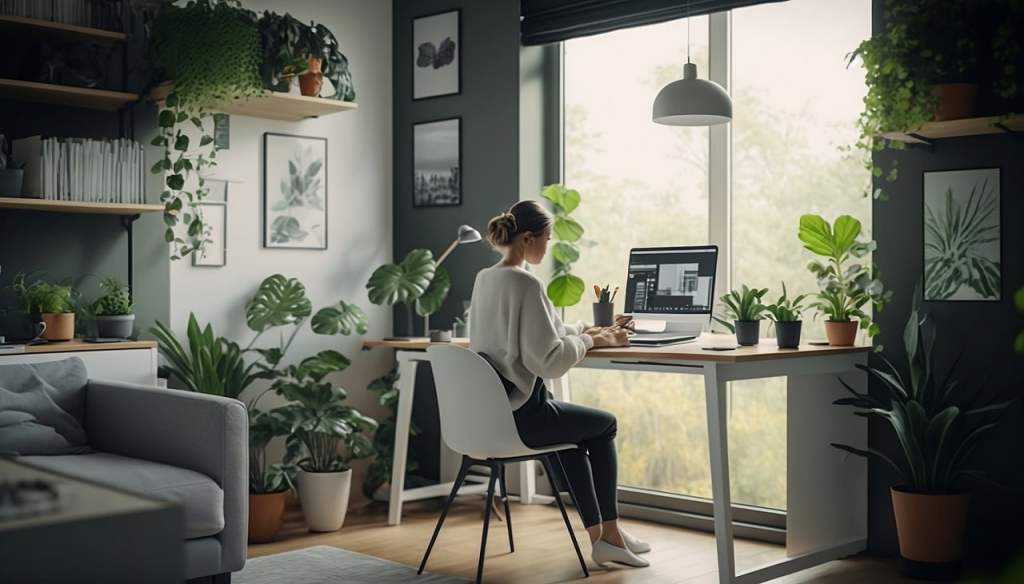
You finally have the opportunity to work from home and you don’t want anything to mess it up, especially avoidable distractions. Whether it be a non-supportive office chair or tangled computer cables, even slight annoyances can mean the difference between a productive day and valuable time wasted.
The right office setup can make a significant difference in your performance, turning a chaotic space into a streamlined, efficient work environment. If you’re finding that your current workspace isn’t supporting your best work, it might be time for a change.
In this blog, we’ll explore seven game-changing upgrades that can transform your home office into a productivity powerhouse. From ergonomic furniture to smart organization tools, these practical enhancements are designed to help you work more efficiently and elevate your work-from-home experience.
1. Ergonomic Office Chair
When it comes to optimizing your home office, one of the most impactful upgrades is investing in an ergonomic office chair. Good posture is crucial for maintaining long-term health and productivity. An ergonomic chair supports your spine’s natural curve, reduces strain on your lower back, and promotes a comfortable sitting position, which can prevent fatigue and discomfort during extended work sessions.
Why It Matters:
Sitting for long periods in a poorly designed chair can lead to back pain, poor posture, and decreased productivity. An ergonomic chair addresses these issues by providing essential support and comfort, enabling you to focus on your work without being distracted by physical discomfort.
Features to Look For:
- Adjustable Height: Allows you to set the chair at the perfect height relative to your desk, ensuring your feet are flat on the floor and your knees are at a 90-degree angle.
- Lumbar Support: Provides targeted support for the lower back, helping to maintain the natural curve of your spine and reduce back pain.
- Adjustable Armrests: These help reduce strain on your shoulders and neck by allowing you to position your arms comfortably while typing or using a mouse.
Recommended Products:
Herman Miller Aeron Chair
Renowned for its ergonomic design and adjustability.

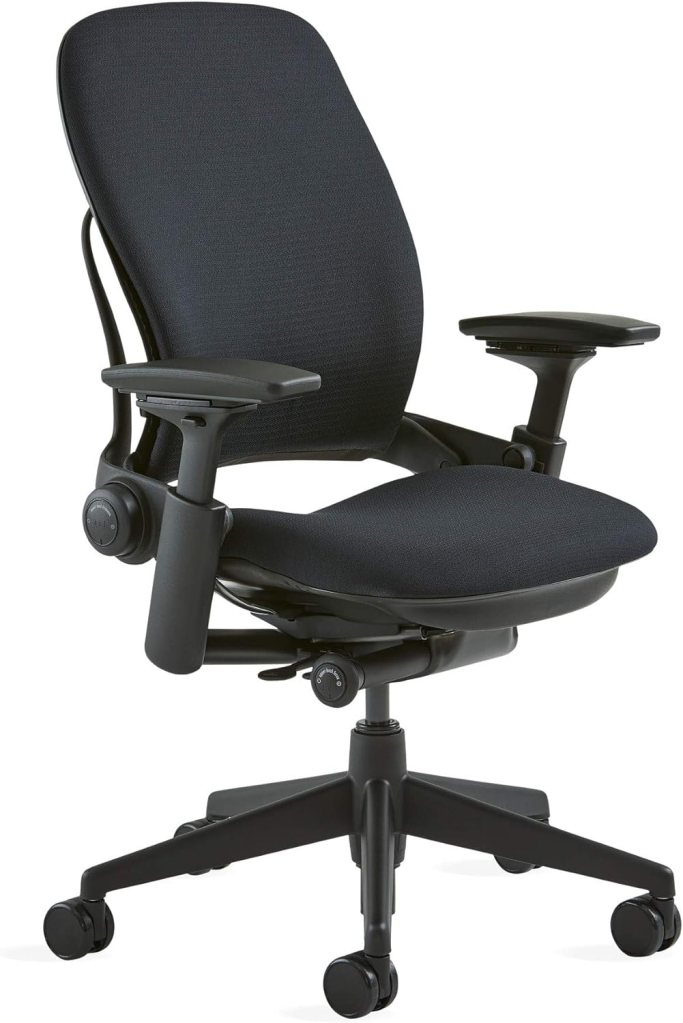
Steelcase Leap Chair
Offers customizable support and comfort.
Secretlab SITMOD Gaming Chair
Known for its high-quality build and ergonomic features.

Investing in an ergonomic office chair is a game-changing upgrade that can transform your workspace, making long hours more bearable and productive.
2. Adjustable Standing Desk
Adjustable standing desks have revolutionized the way that office workers remain healthy at work without sacrificing their productivity. By allowing you to alternate between sitting and standing, these desks help mitigate the health risks associated with prolonged sitting, such as back pain, poor posture, and cardiovascular issues. Standing desks also promote increased energy levels and focus, as standing encourages better circulation and reduces feelings of fatigue.
Why It Matters:
Standing desks can significantly reduce the risk of chronic health problems linked to sedentary lifestyles. Alternating between sitting and standing helps improve posture, reduces back pain, and can even enhance mood and productivity. Many users report feeling more energetic and engaged when using a standing desk, as it breaks up the monotony of sitting and encourages movement.
Features to Look for:
- Ease of Adjustability: Look for desks with smooth, electric or pneumatic adjustments that allow you to effortlessly switch between sitting and standing positions. Manual cranks can be less convenient.
- Stability: Ensure the desk is stable at both sitting and standing heights to prevent wobbling or tipping, which can be distracting and frustrating.
- Size: Choose a desk with sufficient surface area to accommodate your work needs, including space for monitors, keyboard, and other essentials.
Recommended Products:
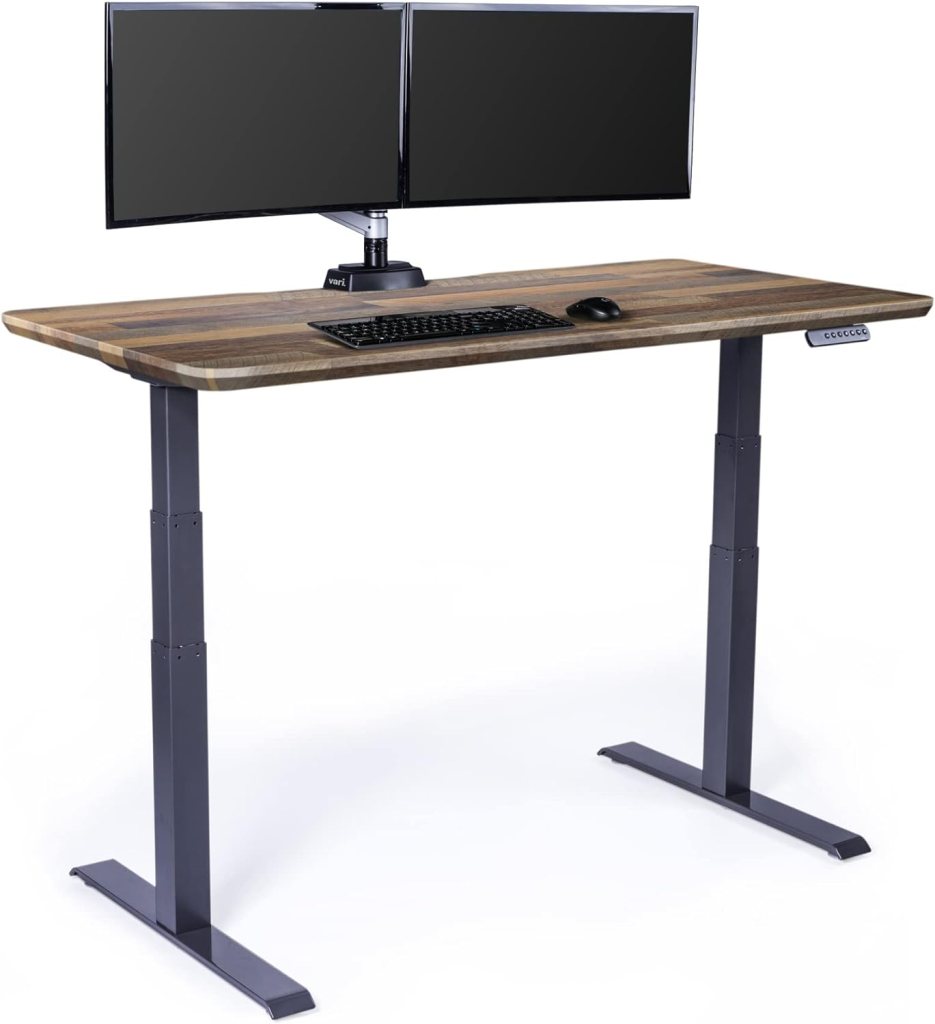
VariElectric Standing Desk
Known for its easy adjustability and sturdy build.
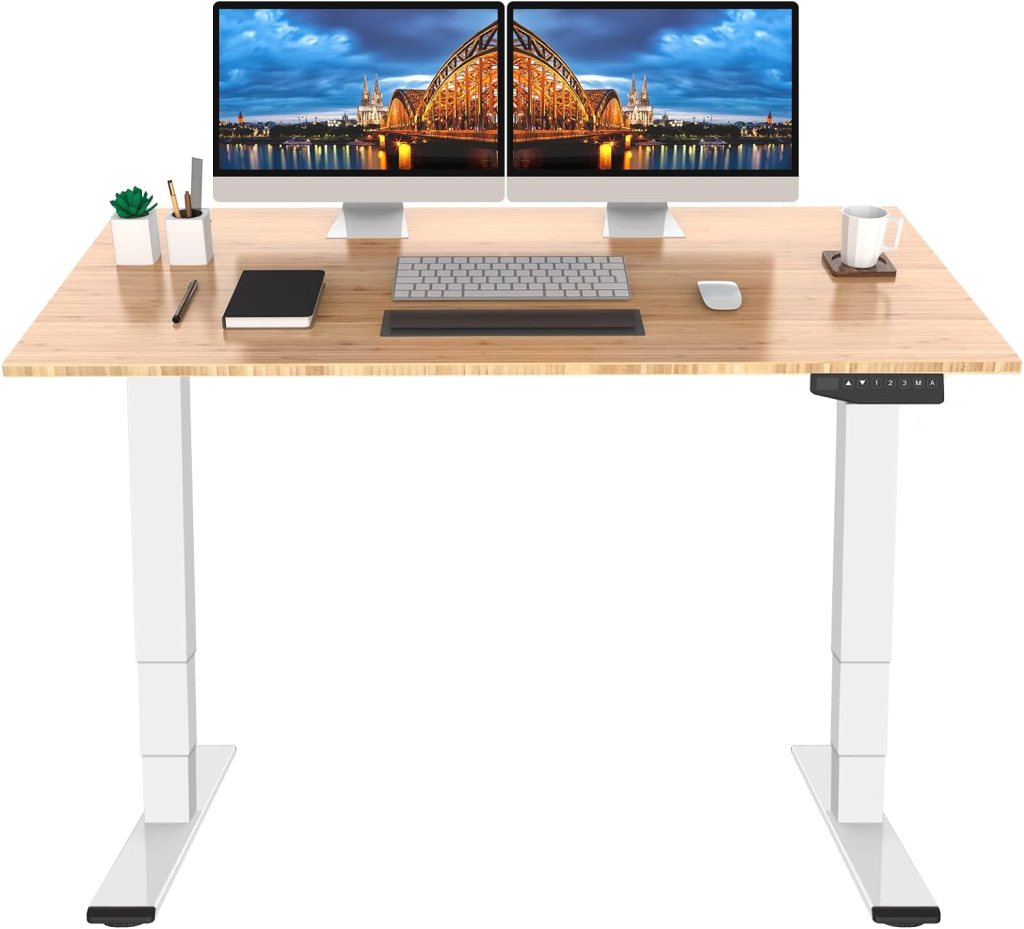
FlexiSpot Pro Bamboo
Offers a range of height settings and excellent stability.
Uplift V2
Popular for its customizable features and robust design.
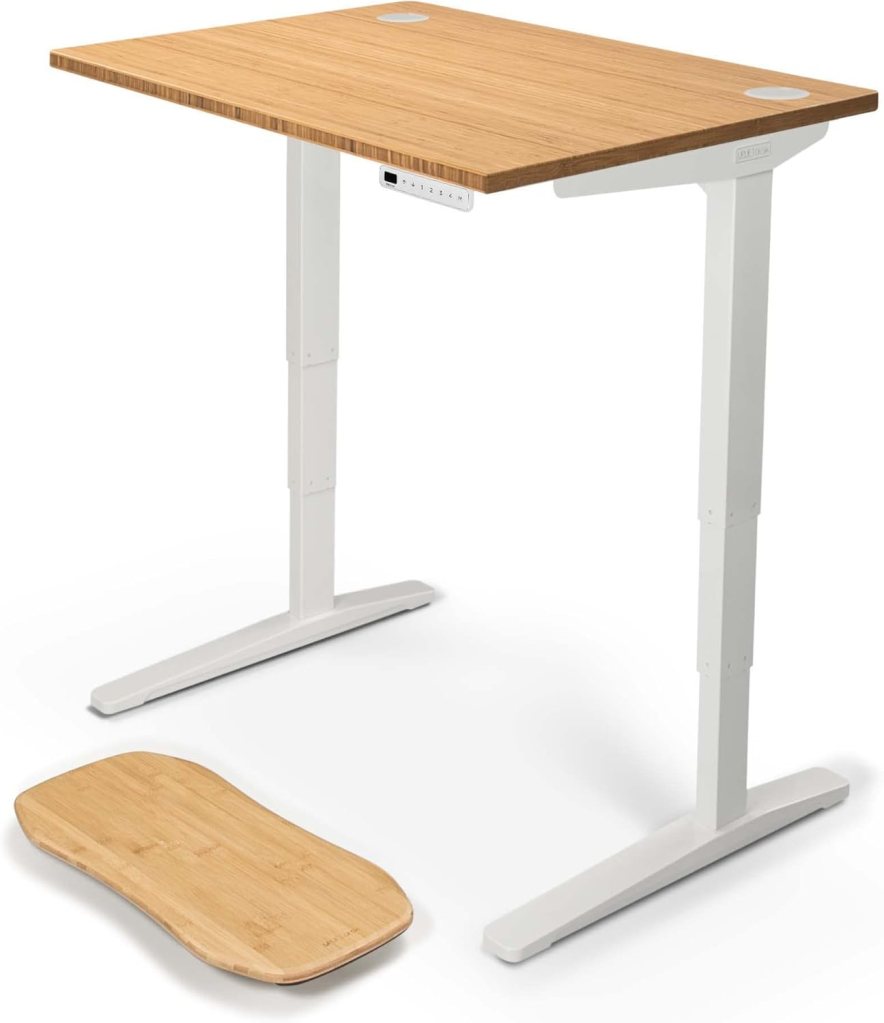
Incorporating an adjustable standing desk into your home office can transform your work experience by promoting better health and increased productivity. It’s a worthwhile investment for anyone looking to enhance their workspace and overall well-being.
3. High-Quality Desk Lamp
Proper lighting is essential for a productive home office. A high-quality desk lamp not only enhances visibility but also reduces eye strain and minimizes distractions. Good lighting can make a significant difference in your work performance and overall comfort, helping you maintain focus and avoid headaches or fatigue caused by poor illumination.
Why It Matters:
Inadequate lighting can strain your eyes and lead to headaches, reducing your efficiency and productivity. A well-lit workspace, on the other hand, helps you see details more clearly, reduces glare on screens, and creates a more pleasant working environment. Investing in a high-quality desk lamp can dramatically improve your work experience by providing consistent, adjustable lighting tailored to your needs.
Features to Look For:
- Adjustable Brightness: Look for lamps with multiple brightness settings or dimmable options to customize light intensity based on your task.
- Color Temperature: Choose lamps that offer adjustable color temperatures (e.g., warm or cool light) to reduce eye strain and match different working conditions.
- Glare Reduction: Opt for lamps with features designed to minimize glare, such as diffusers or adjustable heads, to prevent harsh reflections and eye discomfort.
Recommended Products:
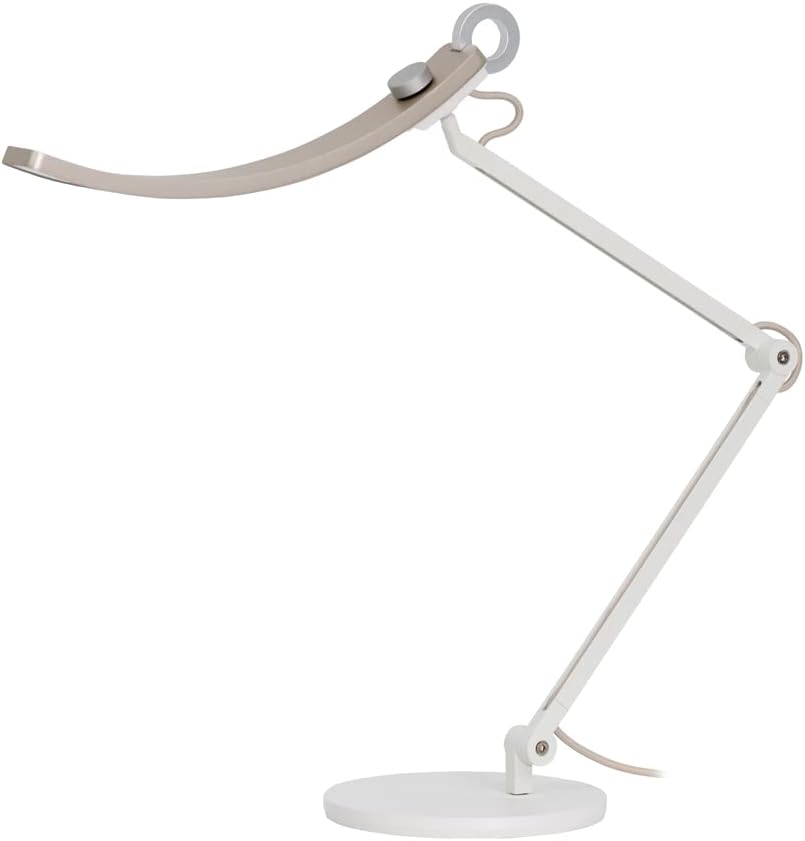
BenQ e-Reading LED Desk Lamp
Offers adjustable brightness and color temperature with excellent glare reduction.
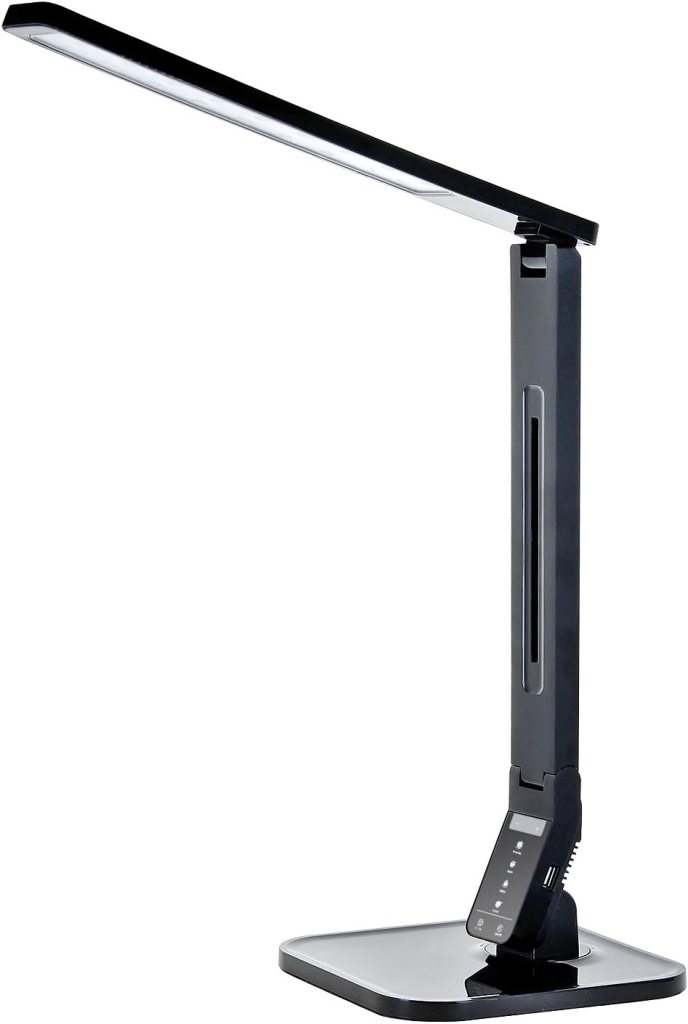
Tenergy Dimmable Desk Lamp
Known for its sleek design and versatile lighting settings.
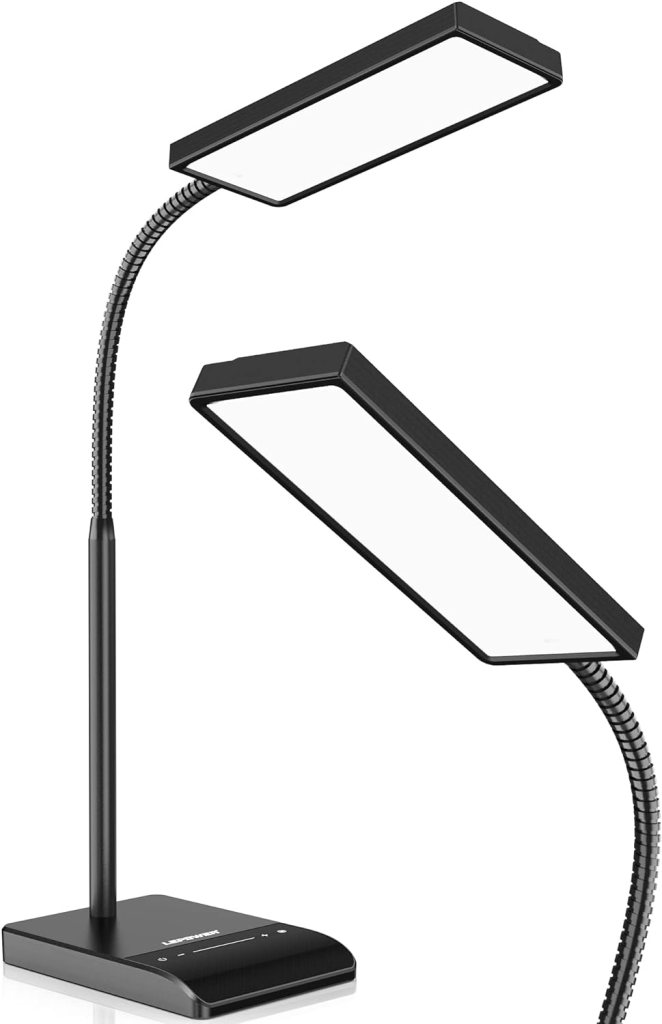
Lepower Metal Desk Lamp
Provides adjustable brightness and a sturdy, stylish design.
Upgrading to a high-quality desk lamp can transform your workspace by providing optimal lighting that enhances focus and reduces eye strain. It’s a simple yet effective improvement that can make a substantial difference in your daily work routine.
4. Spacious Desk with Storage
A spacious desk is more than just a surface to work on—it’s a cornerstone of an organized and efficient home office. A desk with ample space and integrated storage solutions can significantly reduce clutter, streamline your workflow, and create a more focused work environment. By providing designated areas for your essentials, a well-designed desk helps you maintain a clean and productive workspace.
Why It Matters:
A larger desk allows you to spread out your work materials, reducing the need for constant rearrangement and minimizing distractions. With enough room to keep your computer, paperwork, and office supplies organized, you can work more efficiently and with greater ease. Additionally, built-in storage solutions help keep your desk surface clear, making it easier to focus on your tasks without being overwhelmed by clutter.
Features to Look for:
- Size: Ensure the desk is large enough to accommodate your work essentials and provide ample space for multitasking. Consider your room size and layout to choose a desk that fits comfortably.
- Material: Opt for durable materials that can withstand daily use, such as solid wood or high-quality metal. The material also contributes to the desk’s aesthetic, so choose one that complements your office decor.
- Storage Options: Look for desks with integrated drawers, shelves, or cabinets to keep your office supplies and documents neatly organized and easily accessible.
Recommended Products:
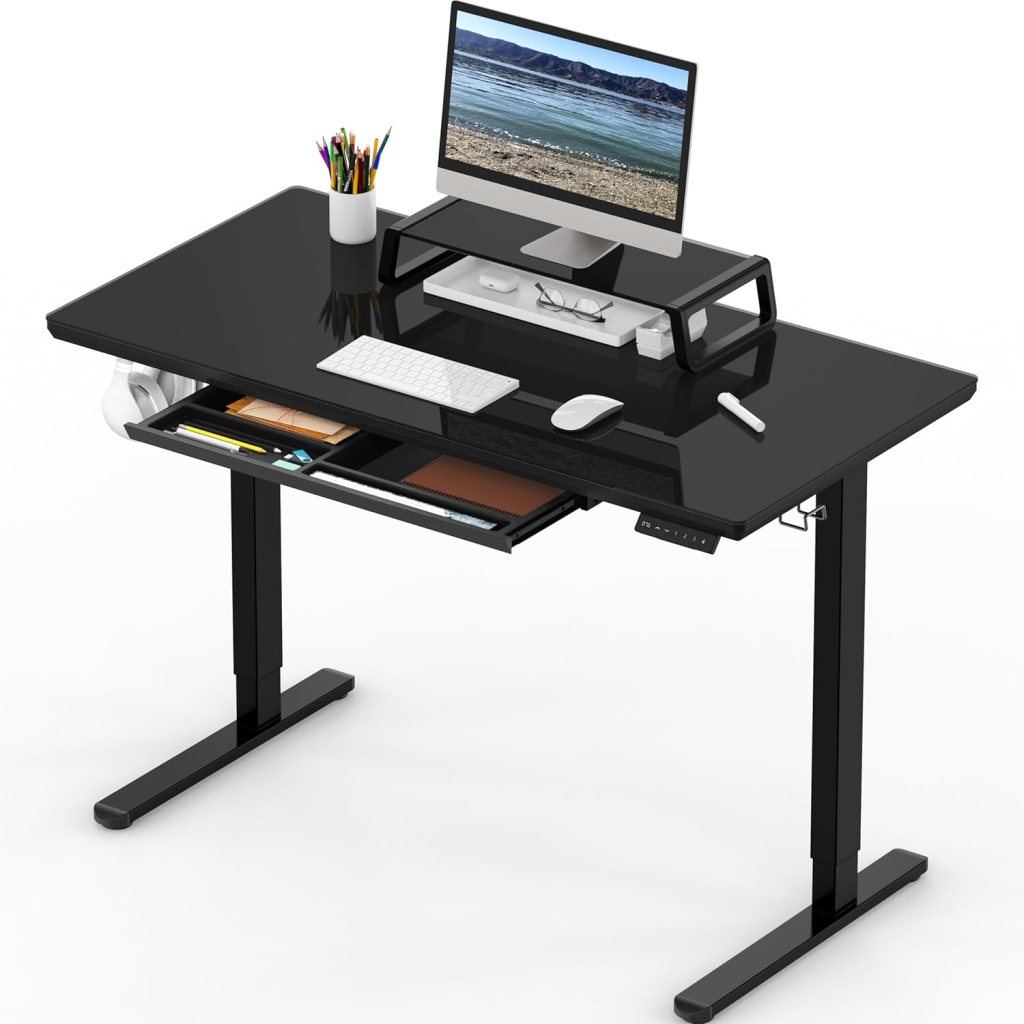
SHW Electric Height Adjustable Computer Desk
Offers a spacious work surface with a sleek design and adjustable height.
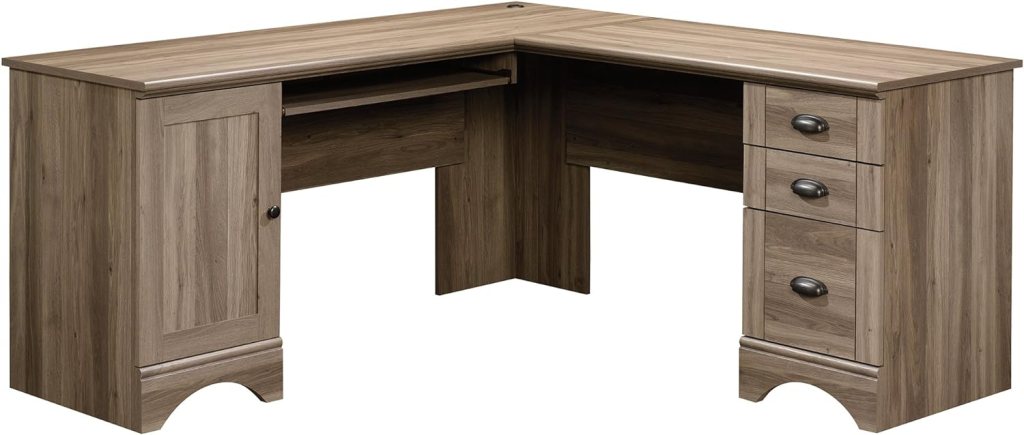
Sauder Harbor View Computer Desk
Features ample storage with drawers and an expansive desktop area.
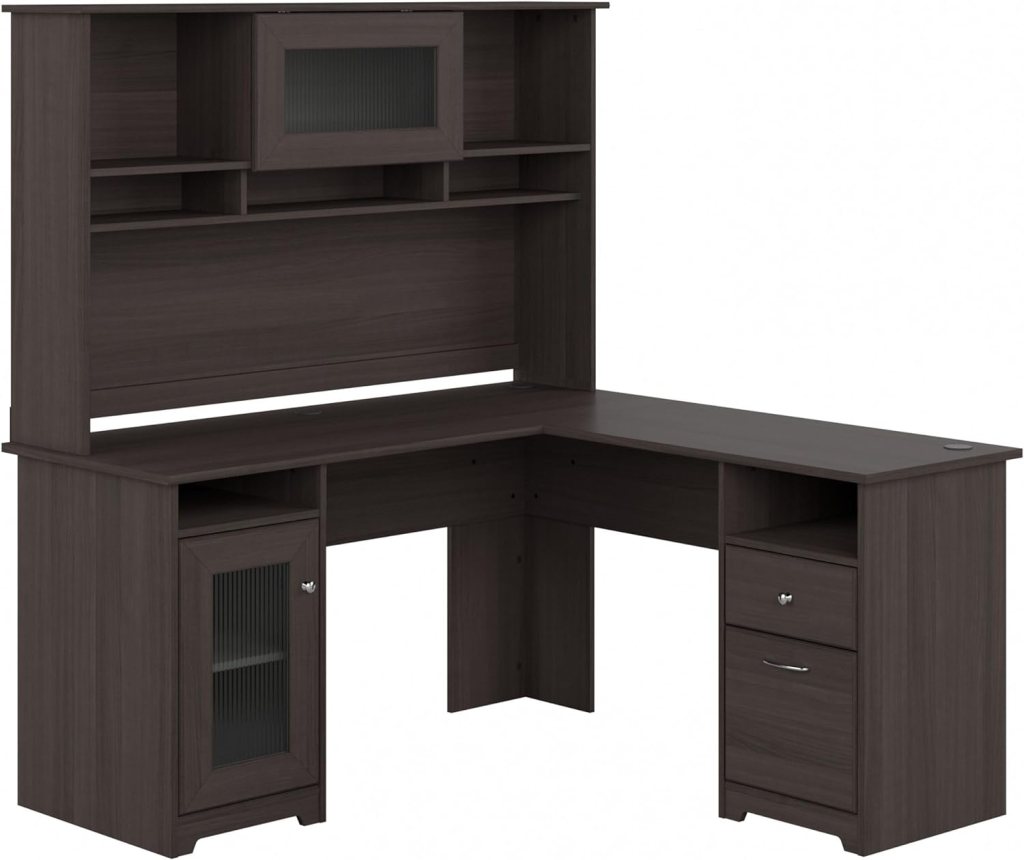
Bush Furniture Cabot L Shaped Desk
Provides generous workspace and built-in storage, perfect for multitasking and organization.
Upgrading to a spacious desk with integrated storage can transform your home office, making it more functional and conducive to productivity. This simple enhancement can help you create a cleaner, more organized work environment that supports your best work.
5. Quality Monitor or Dual Monitors
A high-quality monitor or dual monitor setup is a game-changer for boosting productivity in your home office. A good monitor enhances clarity and reduces eye strain, making it easier to work for extended periods without discomfort. Whether you’re multitasking, managing multiple applications, or simply needing a clearer view of your work, investing in quality monitors can significantly enhance your efficiency and overall work experience.
Why It Matters:
A well-chosen monitor setup improves productivity by offering greater screen real estate, which is crucial for handling multiple tasks simultaneously. Higher resolution and larger screens allow for clearer, more detailed displays, reducing the need to squint or strain your eyes. Additionally, a good monitor can help minimize headaches and eye fatigue, promoting a healthier and more comfortable work environment.
Features to Look for:
- Screen Size: Larger screens or dual monitor setups provide ample space for multitasking and viewing multiple applications side by side. Aim for at least a 27-inch monitor or a pair of 24-inch monitors for optimal productivity.
- Resolution: Higher resolutions (such as 1440p or 4K) offer sharper images and better detail, which can enhance your ability to work with complex graphics or detailed documents.
- Ergonomics: Look for monitors with adjustable stands or mounting options to customize the height and angle, reducing neck strain and improving your posture.
Recommended Products:
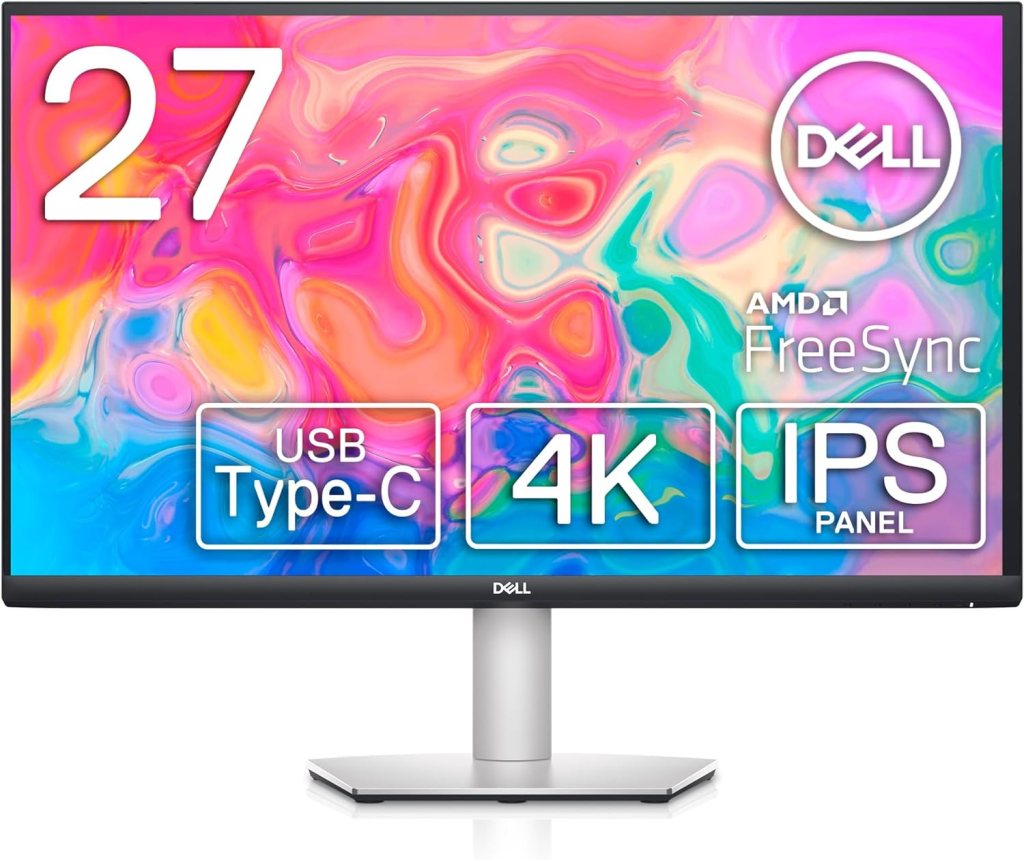
Dell 4K S2722QC
A 27-inch 4K monitor known for its exceptional color accuracy and clarity.
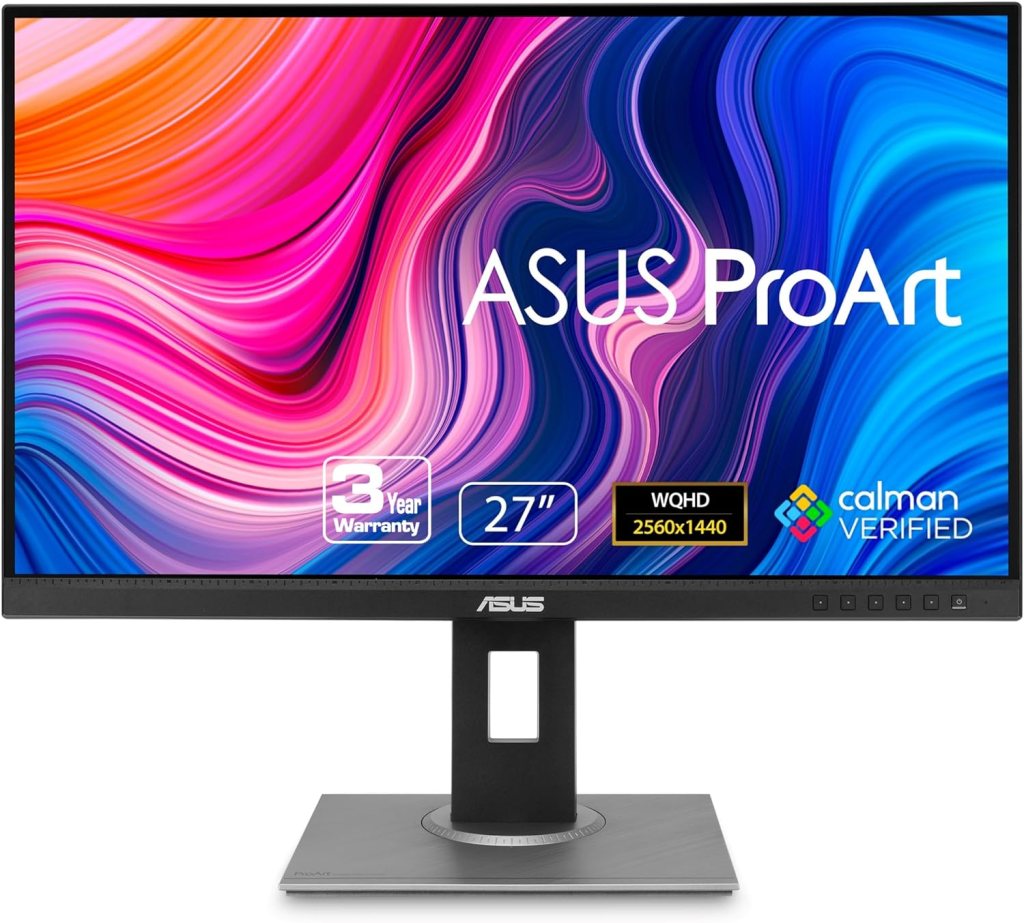
ASUS ProArt PA278QV
Offers a 27-inch WQHD display with excellent color precision, ideal for creative work.
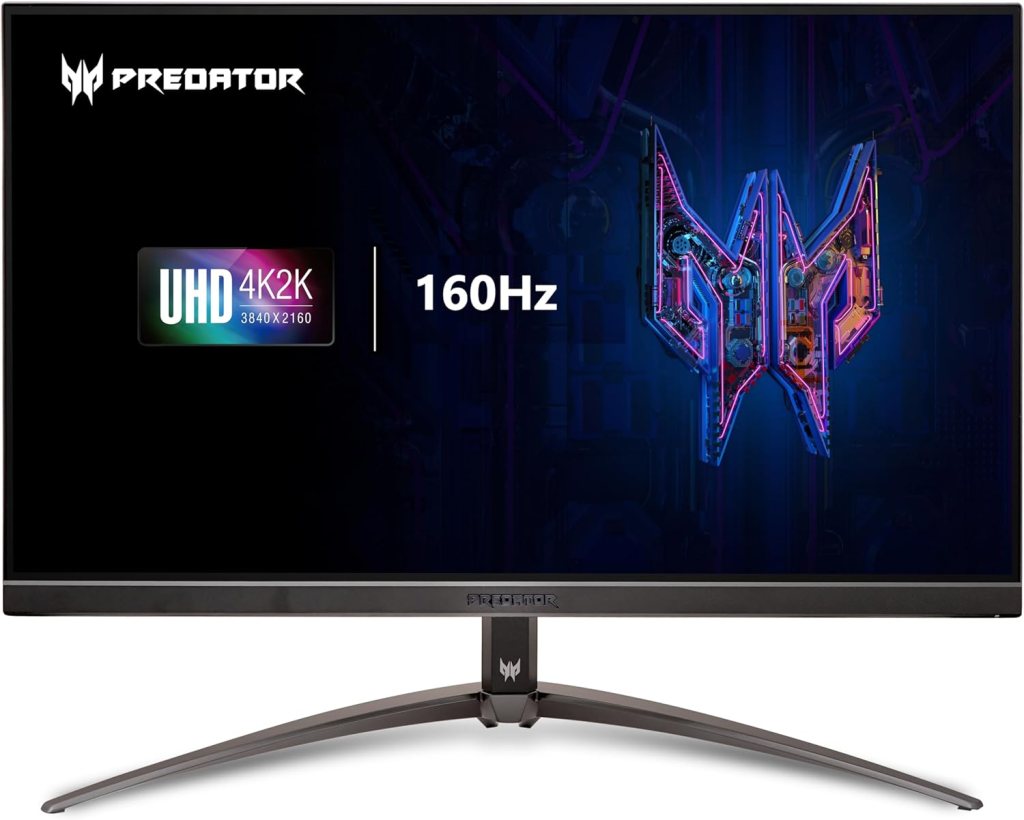
Acer Predator XB273K
A 27-inch 4K gaming monitor that doubles as a high-performance work monitor with superb resolution and refresh rate.
Upgrading to a quality monitor or a dual monitor setup can transform your workday by providing a clearer, more organized view of your tasks. It’s a straightforward upgrade that can enhance your productivity and comfort, making it a worthy investment for any home office.
6. Cable Management Solutions
Effective cable management is an often-overlooked aspect of creating a productive home office. Properly managing cables not only reduces visual clutter but also helps prevent tangling and accidental unplugging, leading to a more organized and efficient workspace. A neat and orderly environment can reduce distractions, making it easier to focus on your tasks and boosting overall productivity.
Why It Matters:
Managing cables properly enhances your workspace by reducing clutter and keeping essential connections organized. This minimizes the risk of cable damage, prevents accidental disconnections, and makes your workspace look cleaner and more professional. With well-organized cables, you can easily locate and access your devices without the frustration of tangled cords.
Features to Look for:
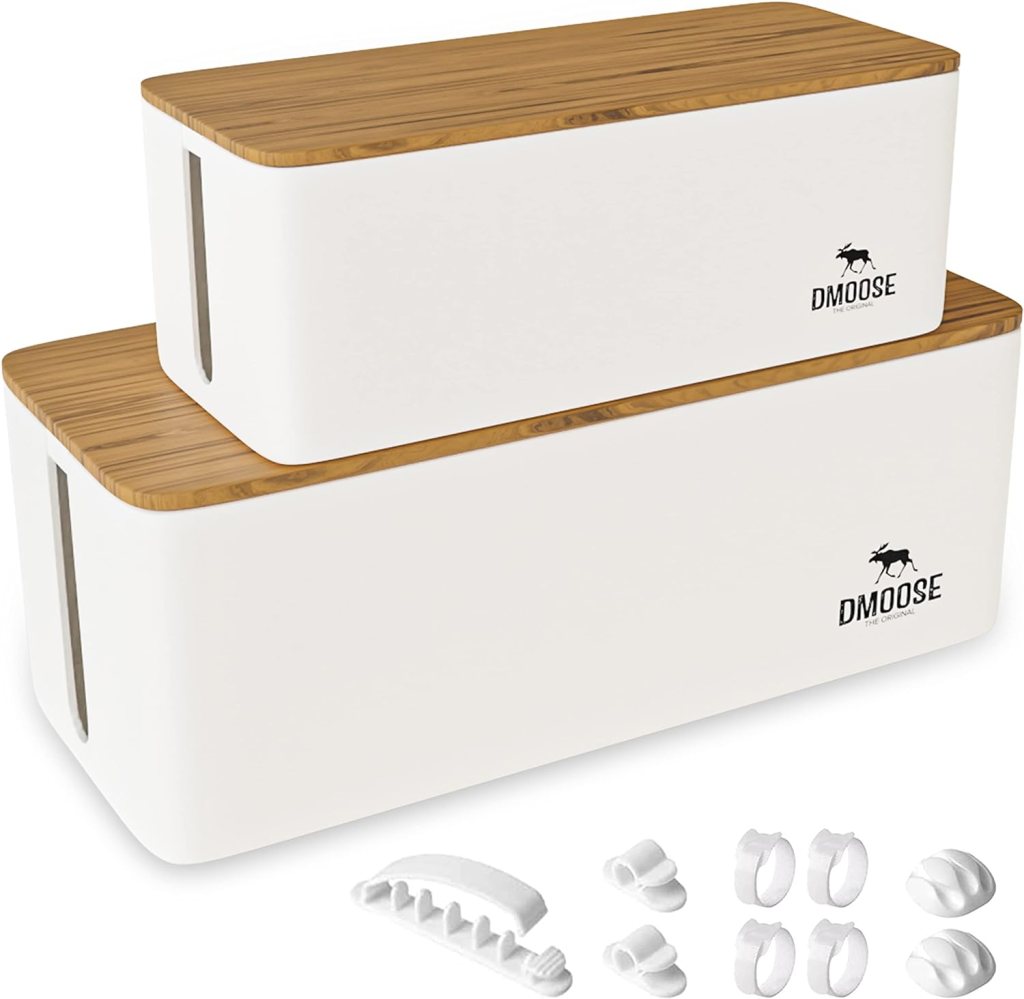
- Cable Organizers: These products, such as cable boxes or cable management trays, help you group and conceal cables neatly. They keep your cords out of sight and prevent them from becoming a tangled mess.
- Cable Clips: These small, adhesive or clamp-based clips attach to your desk or wall and guide cables into place. They’re ideal for keeping cables from falling off your desk or getting in your way.
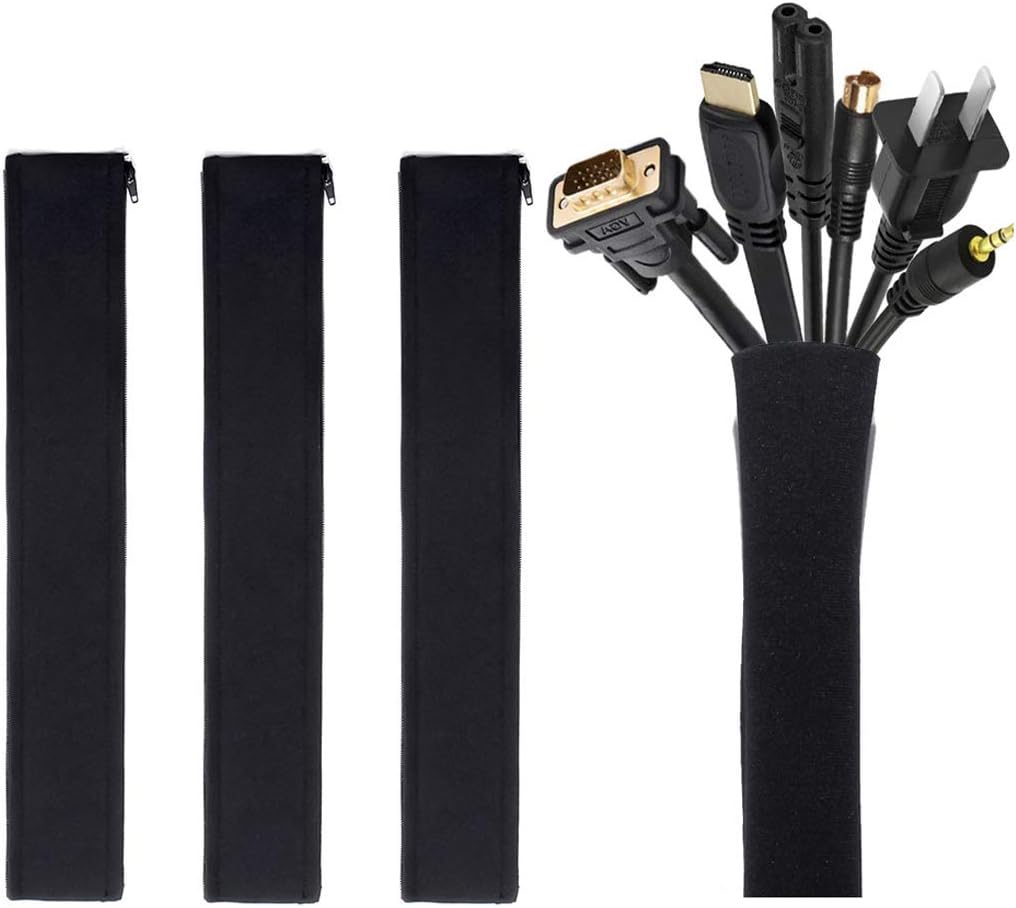
- Cable Sleeves: These flexible, wrap-around sleeves bundle multiple cables together, protecting them from wear and tear while keeping them organized.
Recommended Products:
Joto Cable Management Sleeve
A versatile sleeve that neatly bundles and protects cables.
Cable Management Box by DMoose
Keeps power strips and cables hidden and organized.
Lamicall Cable Clips
Comes with multiple clips to secure cables to various surfaces.
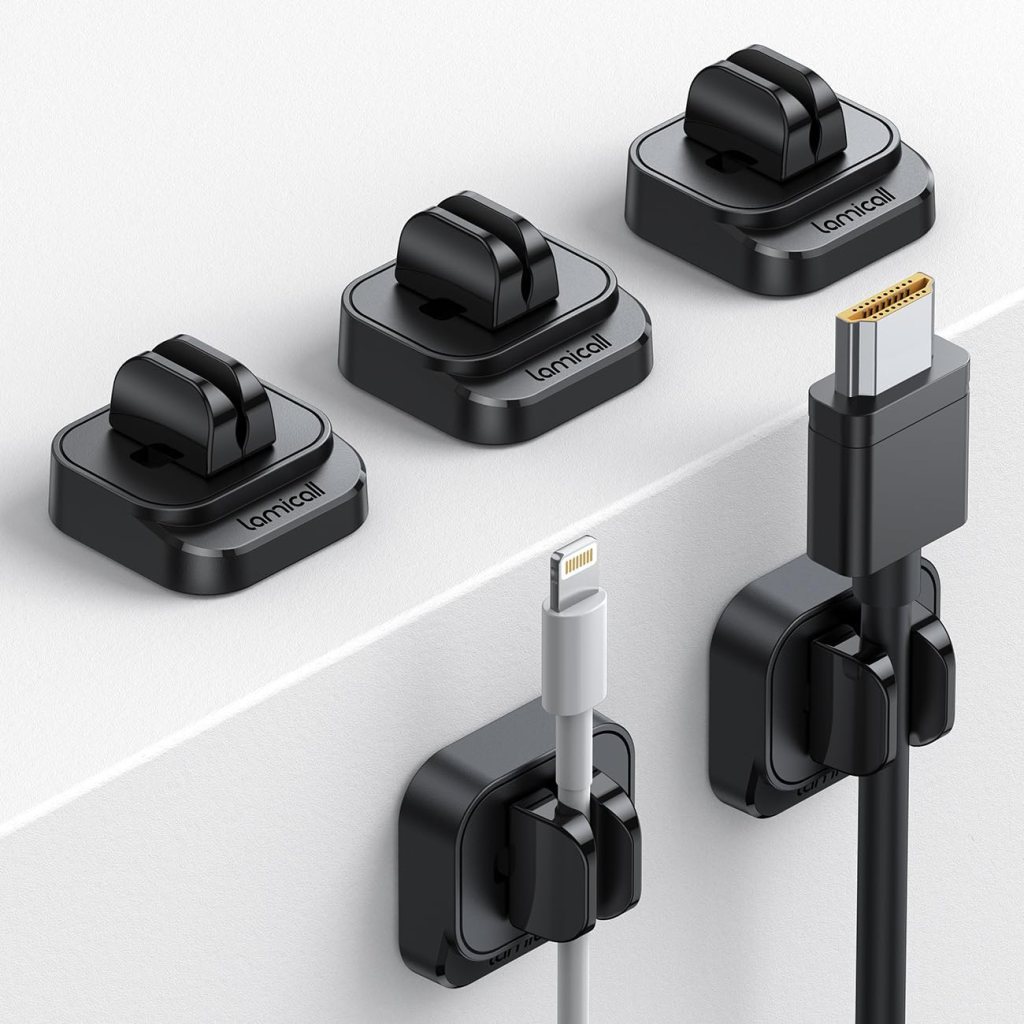
Incorporating cable management solutions into your home office can make a significant difference in both aesthetics and functionality. By keeping cables organized and accessible, you create a more efficient and focused work environment, helping you stay productive and on task.
7. Noise-Canceling Headphones
In a bustling home office, distractions can come from every direction, whether it’s a noisy street outside or household activities. Noise-canceling headphones are an essential upgrade for anyone looking to enhance their concentration and create a distraction-free work environment. These headphones use advanced technology to block out external sounds, allowing you to focus deeply on your tasks and boost your productivity.
Why It Matters:
Noise-canceling headphones help you maintain concentration by isolating you from background noise. This is particularly beneficial for tasks requiring deep focus, such as writing, brainstorming, or analyzing data. By creating a serene auditory environment, these headphones enable you to immerse yourself in your work without being interrupted by external sounds.
Features to Look For:
- Comfort: Choose headphones with adjustable headbands and cushioned ear cups to ensure long-lasting comfort during extended work sessions. A comfortable fit is crucial for preventing fatigue and discomfort.
- Sound Quality: Opt for headphones that deliver clear, rich sound with balanced bass and treble. High-quality sound enhances your listening experience, whether you’re tuning into white noise or your favorite productivity playlist.
- Battery Life: For wireless models, consider headphones with long battery life to avoid frequent recharging. A battery life of at least 20-30 hours is ideal for all-day use.
Recommended Products:
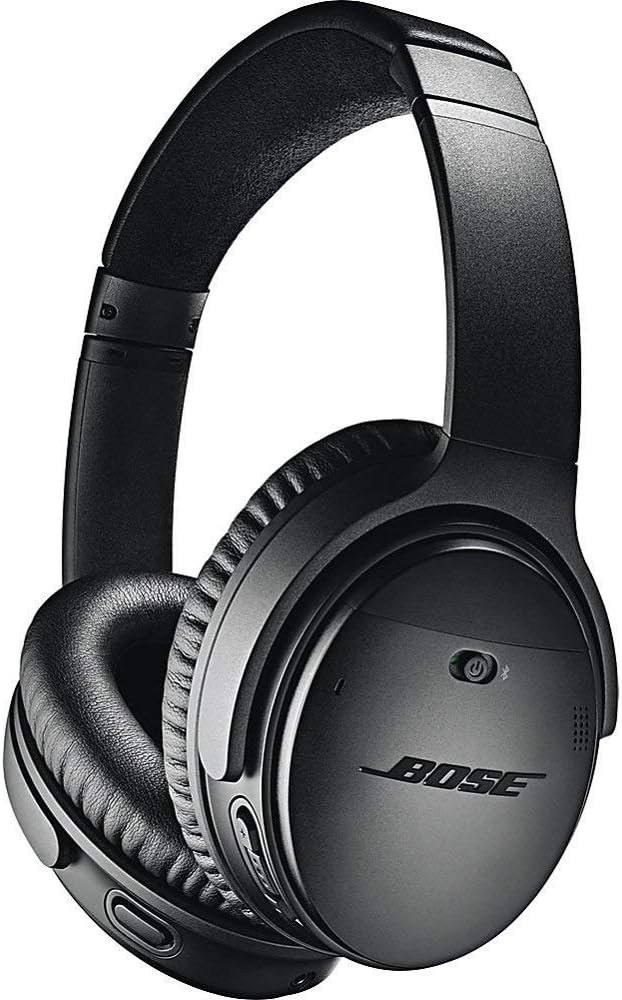
Bose QuietComfort 35 II
Known for its exceptional noise-canceling capabilities and comfort.
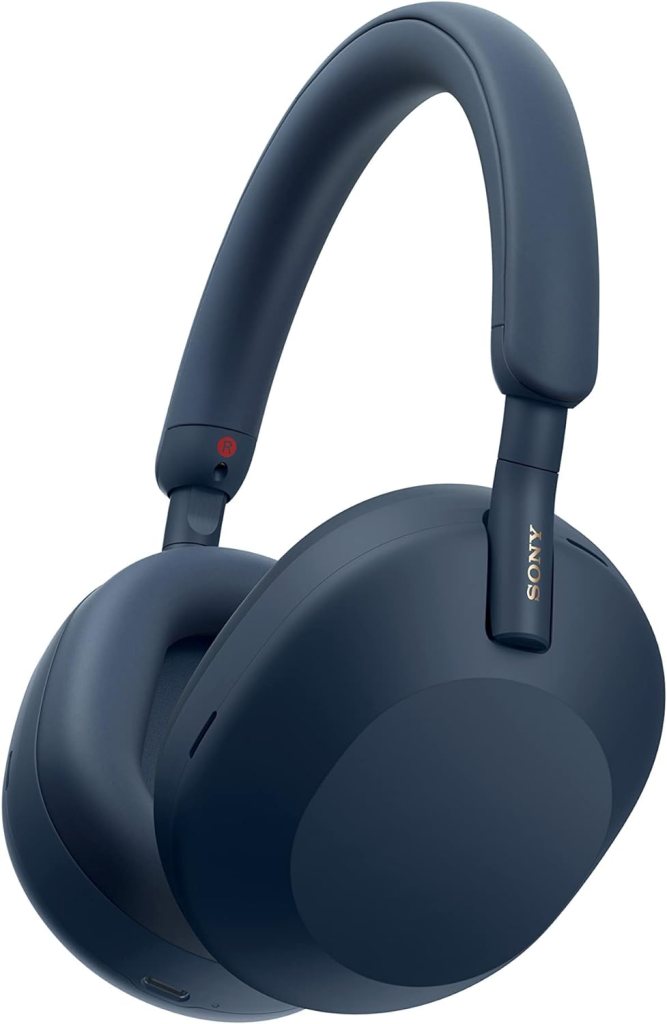
Sony WH-1000XM5
Offers superior sound quality and industry-leading noise cancellation.
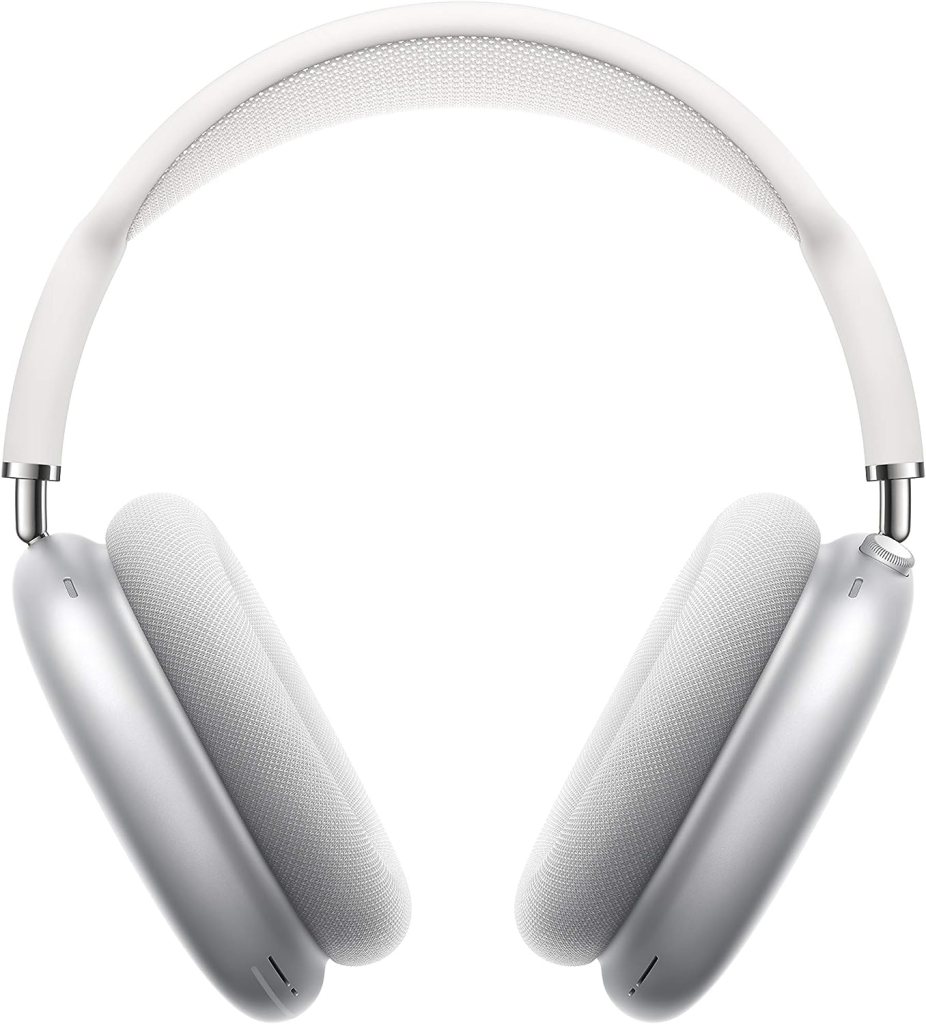
Apple AirPods Max
Features high-fidelity audio and effective noise cancellation in a sleek design.
Investing in a pair of high-quality noise-canceling headphones can transform your home office experience. By reducing external noise, these headphones help you stay focused and productive, making them a valuable addition to your workspace.
Elevate Your Home Office for Greater Productivity
Revamping your home office with the right upgrades can profoundly impact your productivity and overall work experience. By investing in ergonomic office chairs, adjustable standing desks, high-quality desk lamps, spacious desks with storage, quality monitors, effective cable management solutions, and noise-canceling headphones, you can create a workspace that enhances comfort, reduces distractions, and boosts efficiency.
Take a moment to assess your current setup and consider which of these upgrades could make the most difference for you. Whether it’s improving your posture, reducing clutter, or minimizing noise, each upgrade has the potential to elevate your work-from-home experience.
Are you planning to revamp your home office? Share your ideas and experiences in the comments below!
 Online Writing Gigs