

As a freelance writer, the tools you use can have a dramatic impact on your ultimate success. Fortunately, there are dozens of free and paid tools for freelance writers designed to save time, boost productivity, and streamline processes.
Over the course of my freelance writing career, I’ve tried dozens of freelance writing software and apps for freelance writers – some useful and others not so much. Here I’ll share some of my favorite tools designed to help you ace your content writings jobs.
1. PayPal

Getting paid as quickly as possible for your work is a major priority for most freelance writers, including myself. That is why I request that my clients pay me via PayPal. It is completely free to sign up for a PayPal account and it takes just minutes to send and receive money. If you plan to use PayPal exclusively to get paid for online writing jobs, consider opening a PayPal Business account.
2. WordPress
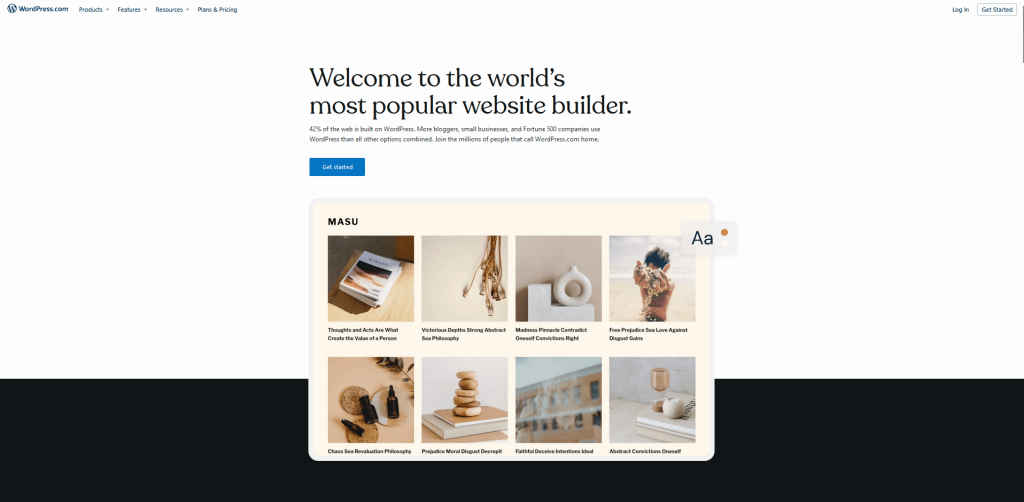
When it comes to freelance writing software, you can’t beat WordPress. This easy-to-use freelance management software system was originally created as a tool to publish blogs but has since evolved to support publishing of other web content, such as traditional websites, internet forums, membership sites, online stores, and more. It’s also an excellent tool for creating a freelance writing portfolio to showcase your work.
3. Grammarly
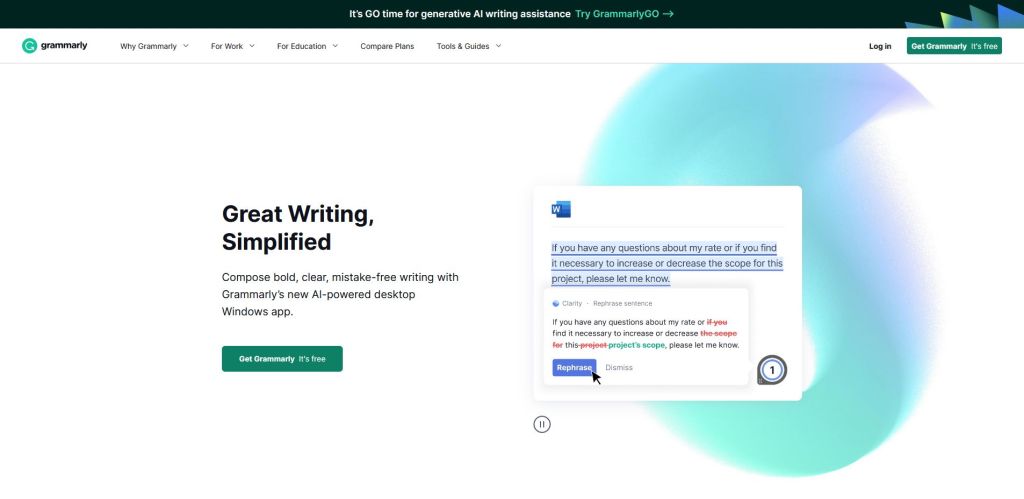
Even after more than a decade of freelancing, I continue to make common spelling and grammar mistakes. I use Grammarly to help catch these mistakes. Grammarly is a cloud-based typing assistant that reviews grammar, spelling, punctuation, engagement, clarity, and delivery mistakes. Grammarly offers a free version but for more in-depth help to elevate your writing, consider the Premium or Business versions.
4. Canva
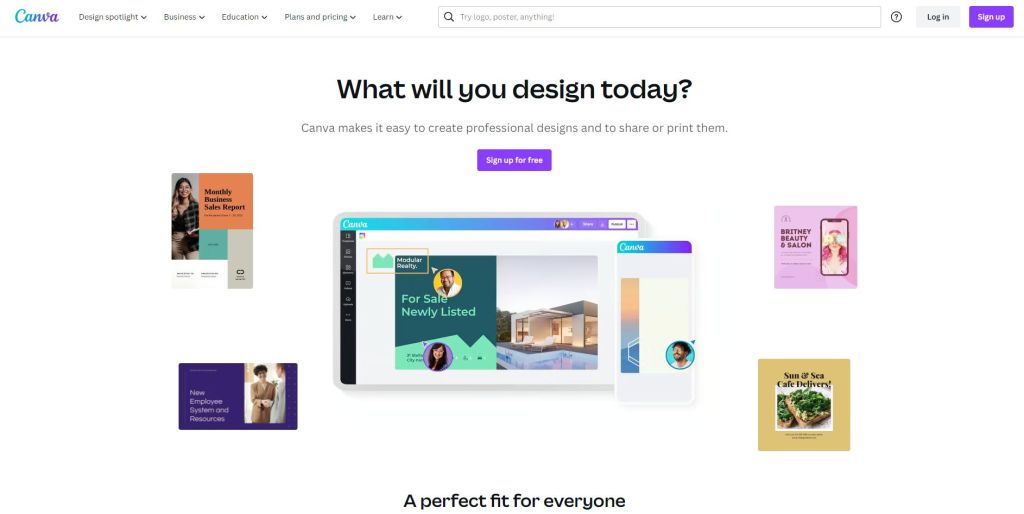
Canva is my favorite tool for creating engaging images for my work. I use it for a wide range of purposes, such as creating graphics for social media posts, videos, presentations, posts, logos, and more. There is a free version available that gives you access to a range of features, including over 250,000 templates and 5GB of cloud storage. If you plan to use it on a regular basis, I suggest upgrading to Canva Pro for $119.99 per year.
5. Microsoft Word
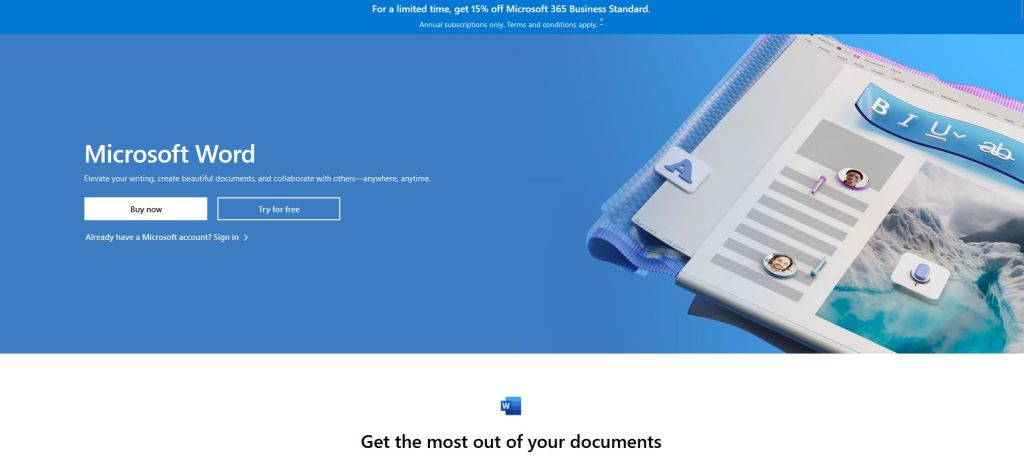
I use Microsoft Word for every single piece of content I write. It’s by far the easiest way to create organized articles and the host of tools and features make it a practical choice. Microsoft Word checks your writing for grammar, punctuation, and capitalization, and allows users to customize their font, headers, text colors, and much more. I recommend a Microsoft 365 Personal subscription that combines Word, Excel, and PowerPoint.
6. LinkedIn

LinkedIn is a popular business and employment-focused social media platform that has been around since 2003. It’s an effective way to manage your professional identity online and connect with other professionals in your industry. You might even be able to score some great freelance writing jobs on the platform once you have built up your profile and reputation.
7. Google Calendar
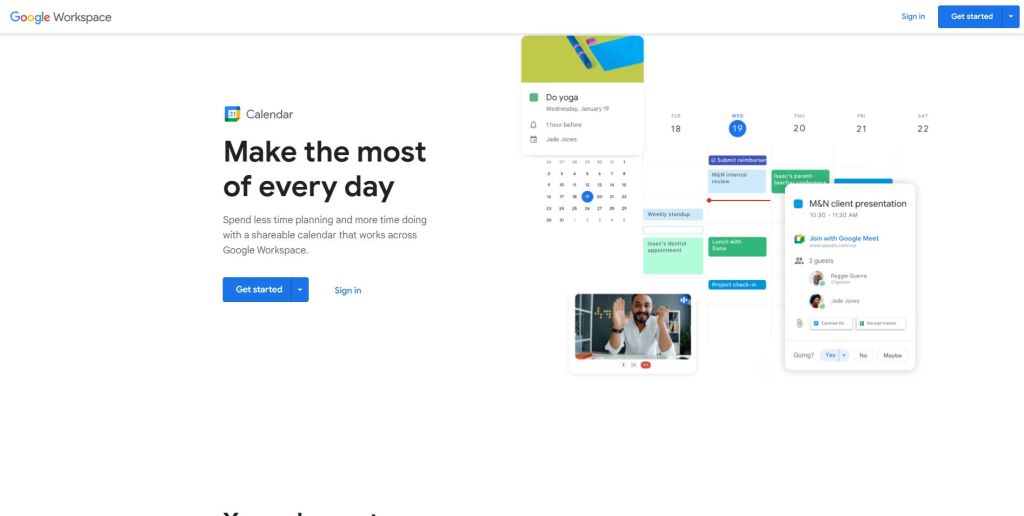
Staying organized as a freelance writer can sometimes be tough, especially when you start getting a lot of orders all at once. Google Calendar is a simple way to help you stay on top of your writing jobs. Easily add events, tasks, reminders, or appointments to any date and time. This useful tool also allows you to add locations, descriptions, and attachments so everything you need to stay organized is all in one convenient place.
8. QuickBooks

QuickBooks offers easy-to-use accounting software for freelancers and other online professionals. This useful software allows freelance writers to track their income and expenses so that they’re ready for when tax time rolls around. This QuickBooks Online Simple Start software offers a 12-month subscription and can be accessed anytime, anywhere with cloud technology.
9. Hemmingway
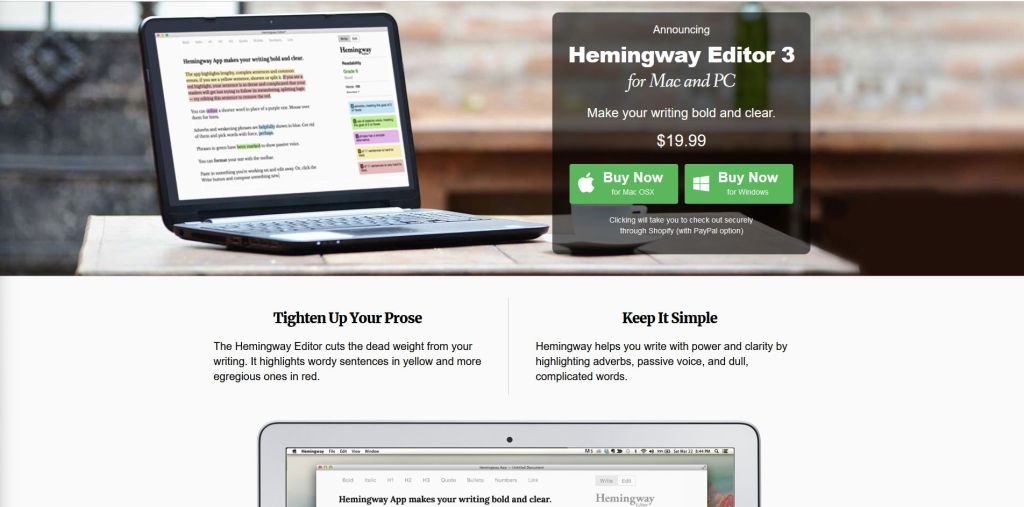
The Hemmingway Editor is a great tool used by many freelance writers to enhance their writing. The app helps make your writing bold and clear by highlighting common errors and complex or lengthy sentences. You can find Hemmingway for Mac and PC. The latest version, Hemmingway Editor 3, goes for just $19.99.
10. Copyscape
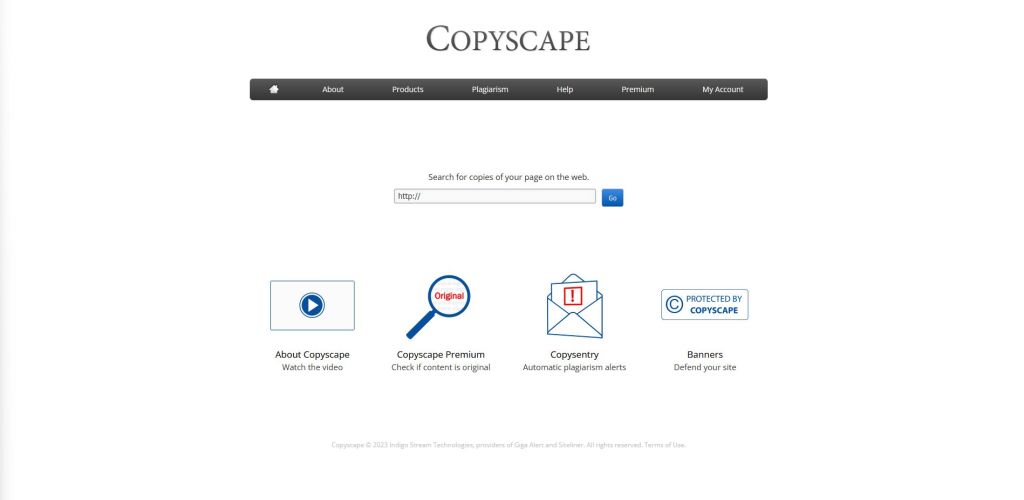
Copyscape is a must-have for freelance writers who accept content writing jobs. Copyscape is an online plagiarism checker that lets you detect duplicate content on the web. While you might not intentionally plagiarize another person’s work, accidentally performing plagiarism could result in lost clients. Copyscape can provide you with peace of mind that your content is truly unique.
11. Pexels

Pixels is a popular provider of stock footage and photography. Freelance writers can find millions of high-quality, royalty-free stock images and copyright-free pictures available for download. These photographs and videos can then be used to elevate your writing, whether you’re adding photos to your own blog or guest posting online.
12. Google Drive
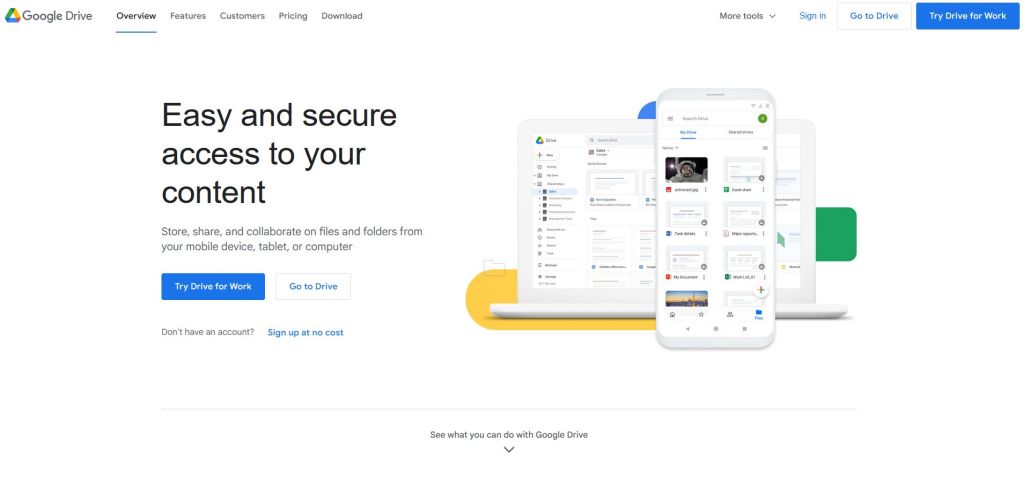
Google Drive enables freelancers and other online professionals to easily store, share, and collaborate on folders and files from their mobile device, computer, or tablet. Google Drive offers built-in protections against spam, malware, and ransomware, ensuring that your private documents remain safe.
13. Dragon Dictation
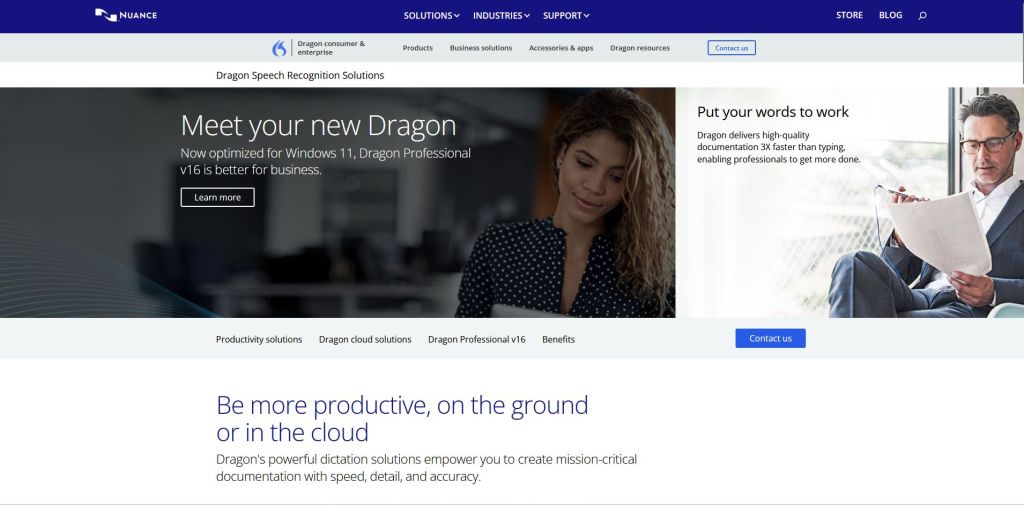
Dragon NaturallySpeaking is a speech recognition software package that enables freelancers to create important documents with accuracy, speed, and detail. If you have difficulty with typing or simply want an alternative way to create content, Dragon Dictation makes it easy to translate your spoken words into typed content. Get started with a Dragon Home 15.0 digital download.
14. Keyword Surfer

Search engine optimization (SEO) plays a critical role in modern content creation. With Keyword Surfer, you can see search volume directly in Google search results and reveal valuable insights on search volume, related terms, CPC, visibility metrics, keyword suggestions, and on-page data. Check out my SEO for Beginners Guide on how to create SEO-friendly content.
15. Pomodoro Timer
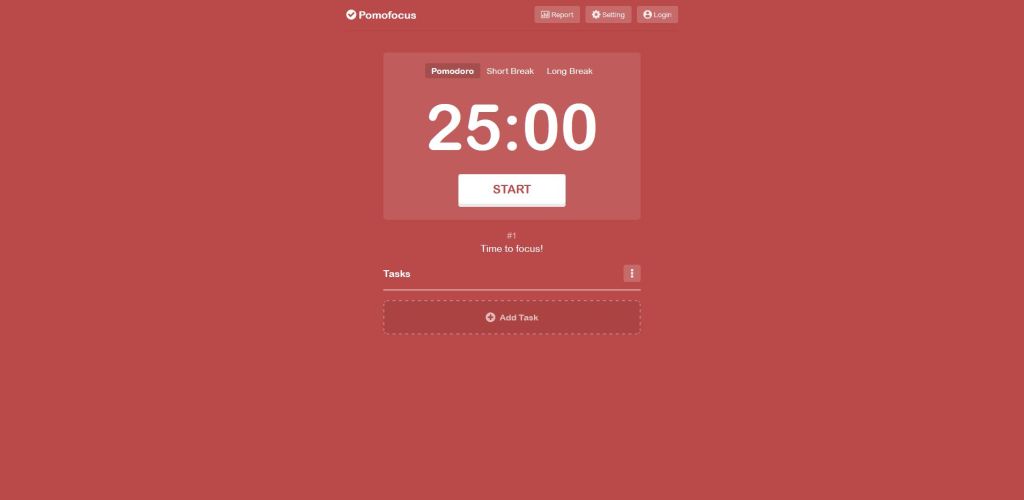
Do you ever have trouble staying focused on the task at hand? A Pomodoro timer can help. Pomofocus is a customizable, free time tracking app for freelancers and other professionals that works on both mobile and desktop browsers. Just click the “Start” button and this simple time tracker for freelancers starts counting down, encouraging you to remain focused until the timer stops.
16. Noise Canceling Headphones
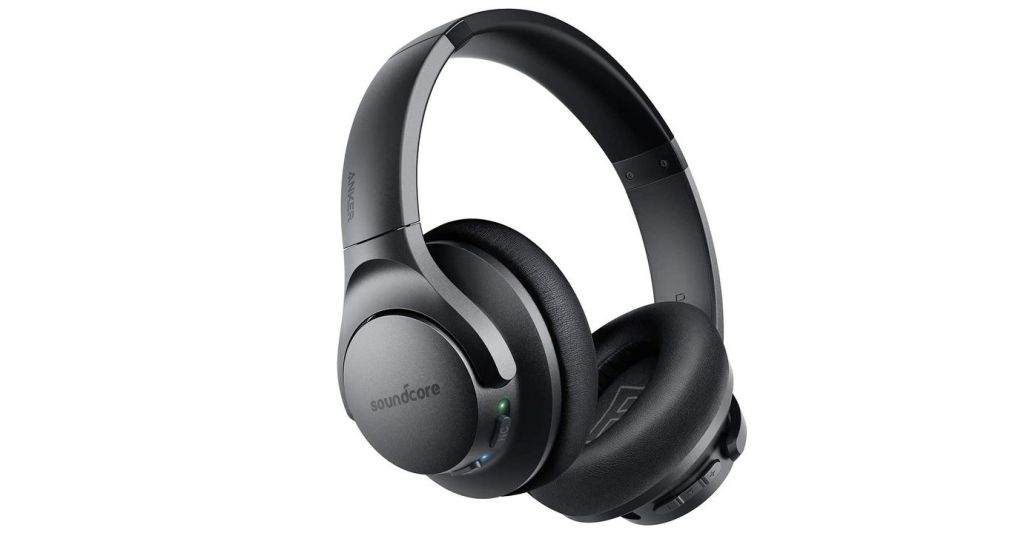
Working from home as a freelance writer certainly has its perks. However, one of the biggest drawbacks is disruptions. From children bickering to dogs barking, it can be hard to get work done with distractions galore. Noise canceling headphones can help block out unwanted noise while allowing you to listen to music, a podcast, or other audible content. These Soundcore Noise Cancelling Headphones offer Bluetooth technology and are comfortable to wear in the home office or while traveling.
17. Clockify

Freelancers often make their own schedules; however, it’s important that you don’t overwork yourself to prevent burnout. One way to track your billable hours and ensure a healthy work commitment is with a time tracker for freelancers. Clockify is a free time tracking app for freelancers and online professionals that allow individuals or teams to easily track work hours across projects.
18. Ergonomic Office Chair
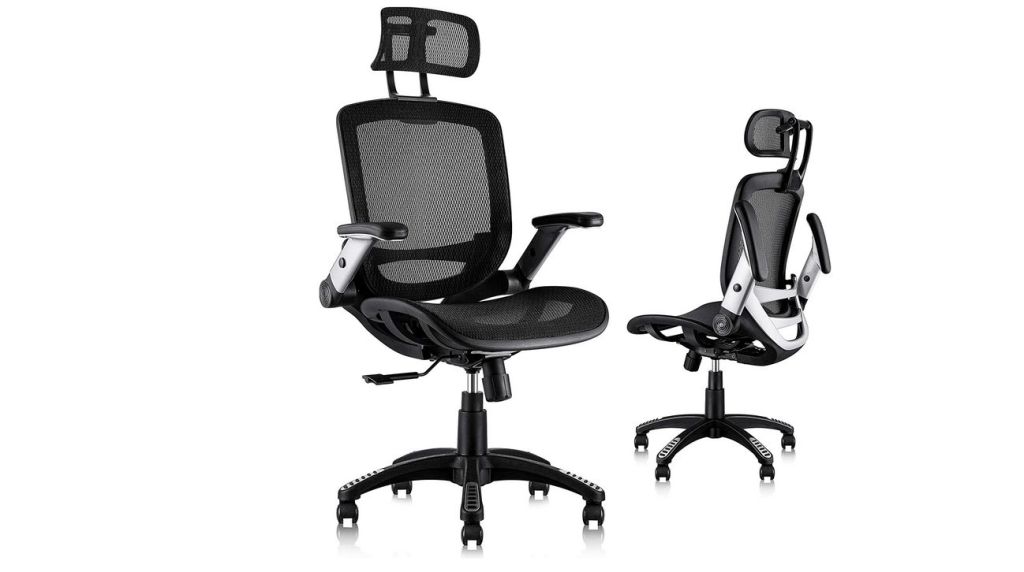
Over the course of my freelancing career, I’ve purchased a handful of office chairs, ranging from cheap Walmart task chairs to expensive executive chairs. The one thing I can say about my experience is that having a highly supportive and comfortable chair is a must. As a freelance writer, you’ll spend hours sitting at your desk and your back and shoulders will ultimately pay the price. The Gabrylly Ergonomic Office Chair offers an adjustable headrest, flip-up arms, tilt function, lumbar support, and other must-have features.
What tools do you use as a freelance writer? Share your favorite tools in the comments and how they have elevated your writing jobs.
 Online Writing Gigs