

Building up clientele as a freelance writer can be tough, especially if you’re new to the industry. You may only have a few projects under your belt (or none at all), leaving you in an awkward position when a potential client asks to see your past work. The solution? A professional writing portfolio.
A writing portfolio is essentially a collection of your works that showcase your writing skills and experience. The samples you post in your writing portfolio help potential clients evaluate the quality of your writing and determine if you are the right fit for the job.
Creating a comprehensive and impressive freelance writer portfolio maximizes your chances of scoring copywriting or ghostwriting jobs and boosting your revenue. Best of all, creating a writing portfolio doesn’t have to be time-consuming or expensive.
Online you’ll discover dozens of powerful platforms where you can build a freelance writing portfolio without spending a dime on web hosting or other expenses. If you plan to jump into freelance copywriting or ghostwriting jobs, start by creating a professional portfolio on one of these free websites:
1. WordPress
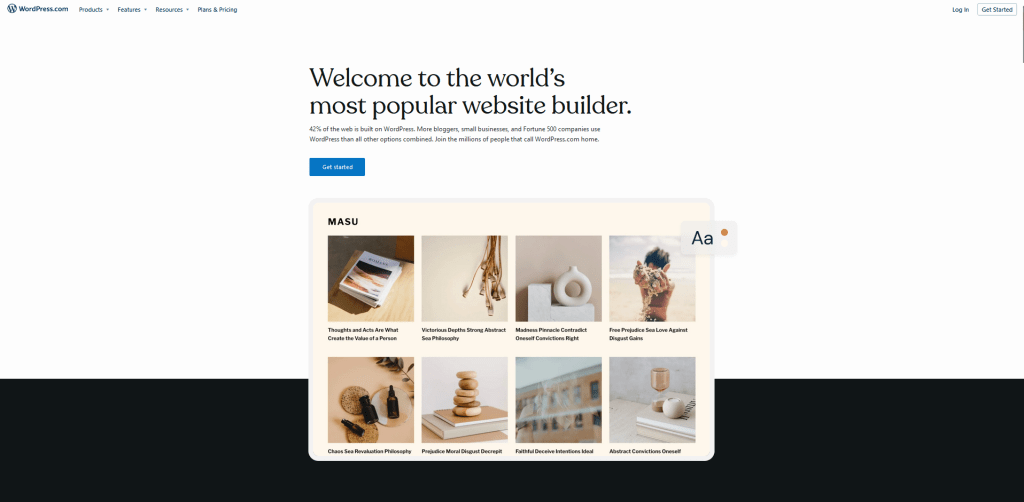
WordPress has long been one of the most popular ways to create your own website. In fact, WordPress now powers more than 43.3 percent of all websites on the internet, including this one! This versatile platform can be used to create a wide range of websites, such as eCommerce stores, business websites, forums, resumes, blogs, social networks, and portfolios.
When reviewing WordPress, you’ll discover that there are two “WordPress” websites: WordPress.org and WordPress.com. WordPress.org is a type of self-hosted WordPress in which users can install their own web host to create a website that is completely their own. WordPress.com, on the other hand, is a paid service powered by WordPress.org software that is simple to use but doesn’t offer as much flexibility as a self-hosted website.
2. Behance
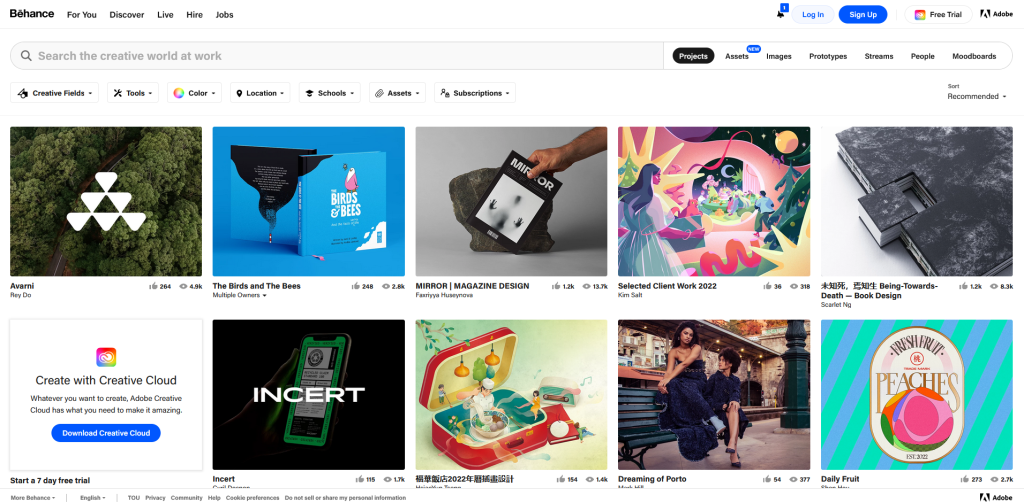
Behance is a component of Adobe and one of the internet’s leading online platforms for showcasing creative work. The website is free to use with no restrictions on the number of projects that a member can create. A project can be a grouping of videos, images, or other digital content that has a related process or theme.
3. Journo Portfolio

Journo Portfolio is designed for creative people and offers a simple way to make an online portfolio that will take your freelance writing career to the next level. The platform offers a variety of ways to showcase your work, such as with grids, columns, blogs, or image galleries. Journo Portfolio also offers recovery tools that automatically grab screenshot backups of your online articles from across the web, ensuring you never lose your work.
4. Pixpa

Pixpa offers freelance writers an all-in-one website builder where they can easily showcase and share their work online. No coding is required, and members have access to more than 150 beautiful and responsive templates. If you already have a freelance writing site, you can easily connect your custom domain name with your Pixpa site. As a plus, Pixpa offers built-in SEO tools that help you get recognized online.
5. Wix

Wix is a popular cloud-based website builder that offers innovative design services and web hosting. This user-friendly platform provides members with drag-and-drop tools, as well as over 500 ready-made templates that allow you to build your writing portfolio in minutes. Wix also offers more advanced tools and functionalities based on your experience level, such as Wix ADI (Artificial Design Intelligence) and Velo by Wix.
6. Carbonmade
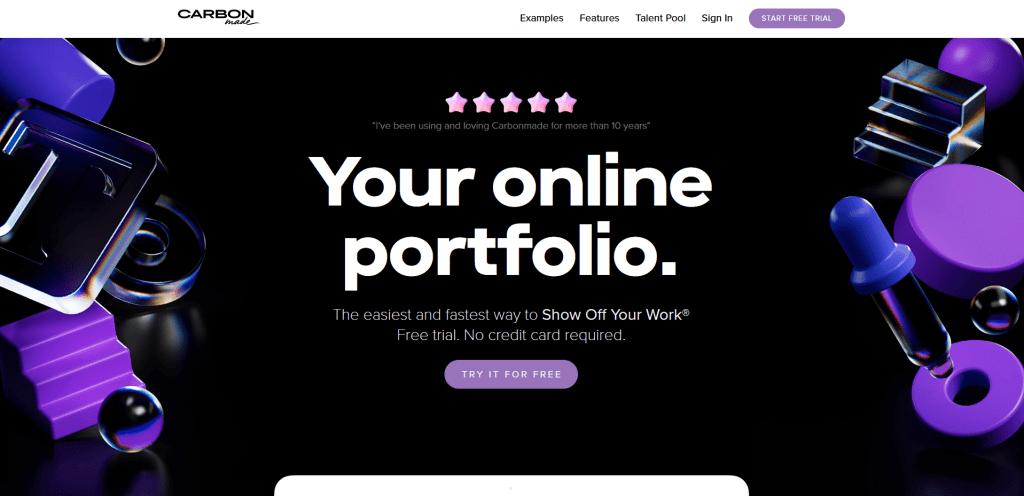
Carbonmade is a fast and easy way to show off your work online. This sleek platform allows members to post illustrations, designs, copywriting, or any other type of creative work. While the software was originally launched in 2005, it was later rebuilt and upgraded in 2019 to offer even more great tools and features. Carbonmade offers a nearly instant way to set up and run an online portfolio using modern templates and marketing solutions.
7. Adobe Portfolio
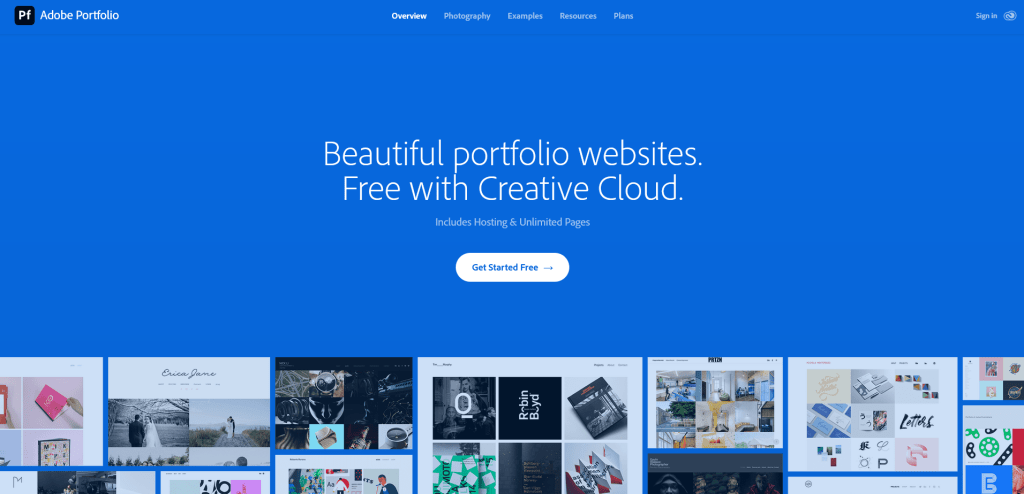
Most people are already familiar with Adobe so you can rest assured that this service is just as great. Adobe Portfolio allows users to create beautiful portfolio websites free with Creative Cloud. The platform offers hosting and unlimited pages, allowing you to make your writing portfolio as simple or as comprehensive as you’d like. Easily develop a fully responsive, multi-page site that includes a collection of your writing samples and a contact page.
8. Dribbble
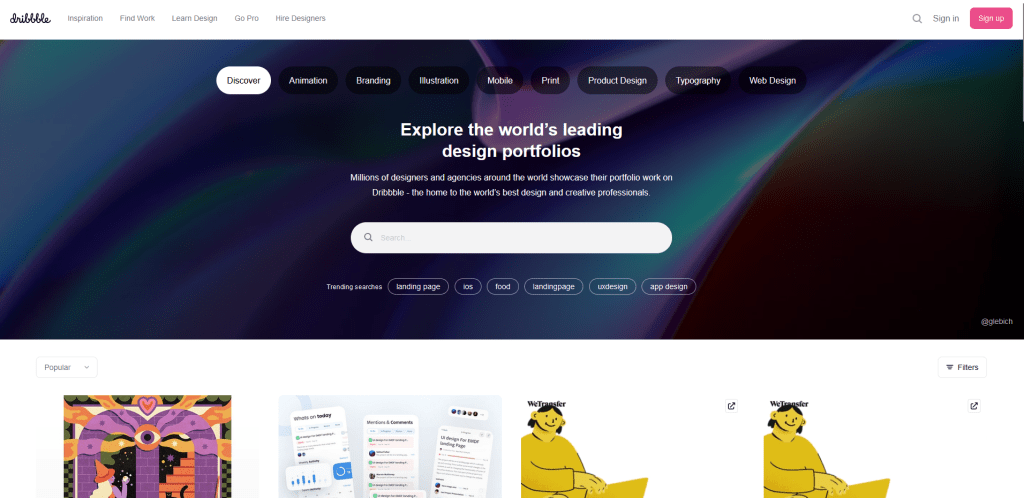
No, that wasn’t a typo. Dribble (with three b’s) is one of the world’s leading design portfolios used by millions of agencies and designers across the globe. This creative community platform is where many employers go to connect with creative professionals. The website even allows businesses to post job vacancies in hopes of finding the right candidate. Use Dribbble to share your samples and grow your brand.
9. Muck Rack
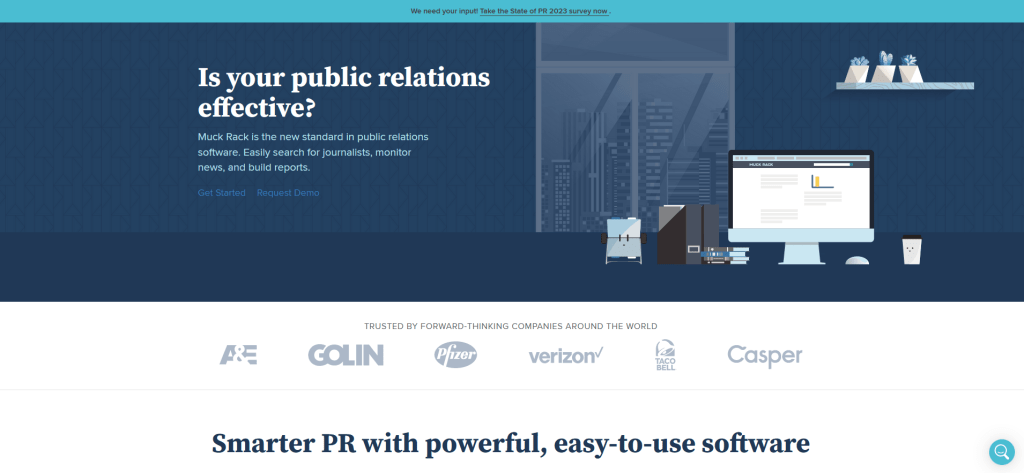
Muck Rack is a one-stop, relationship-building online platform commonly used by journalists and online writers to showcase their portfolios. The public relations (PR) software also includes a variety of tools and features, such as a media database, PR analytics, and media monitoring. Many writers use Muck Ruck’s free tools to create a professional page that they can share with potential clients and get more recognition in the industry.
10. Weebly

Weebly provides users with instant access to customizable webpage designs and innovative tools that they can use to build their websites and grow their freelance writing business. The platform makes it easy to build a free website or portfolio, starting with a modern design that will draw in potential clients. The platform also offers integrated marketing tools, from automated email campaigns to Facebook ads.
Getting started as a freelance writer is no easy feat. Fortunately, there are plenty of free tools online that can make the process easier. Have you tried any of these free portfolio websites to showcase your creative works? If so, share your experience in the comments!
 Online Writing Gigs